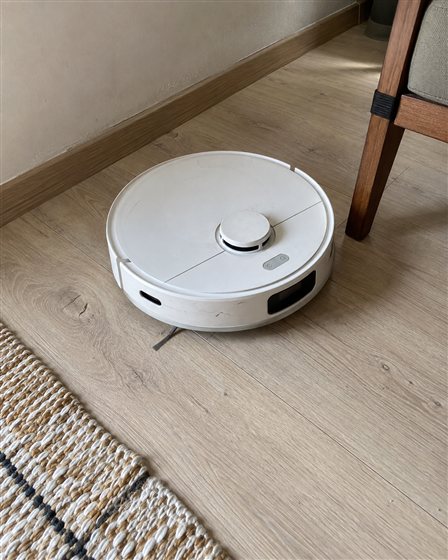
PHOTOGRAPH
Take a photo.
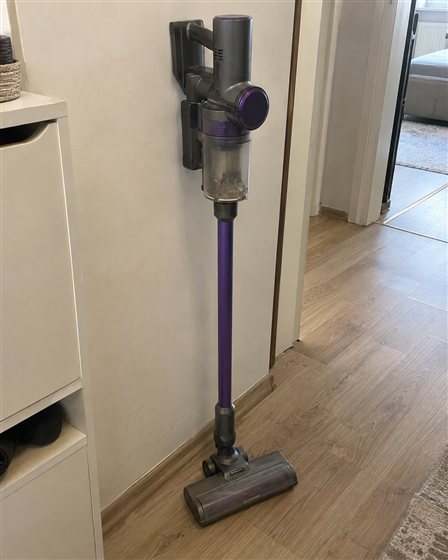
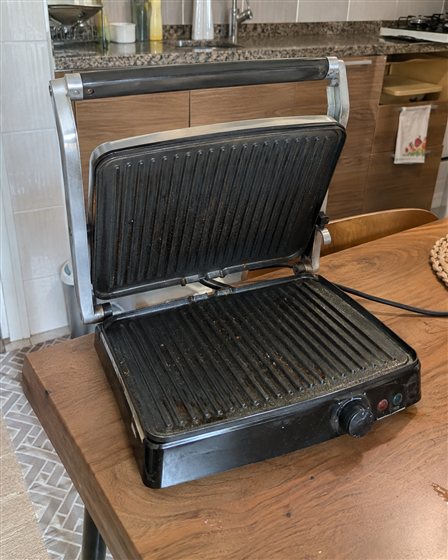
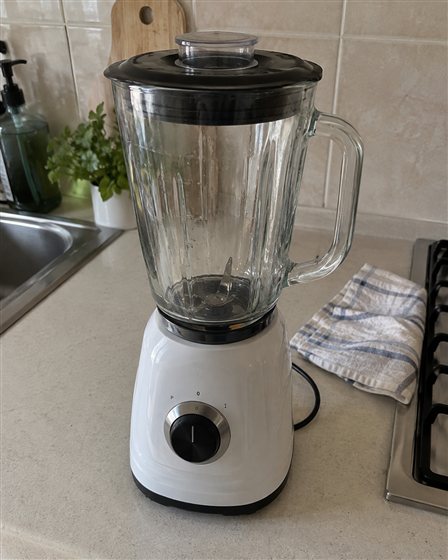
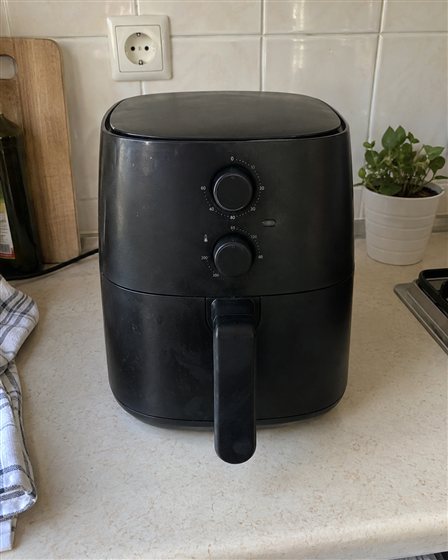
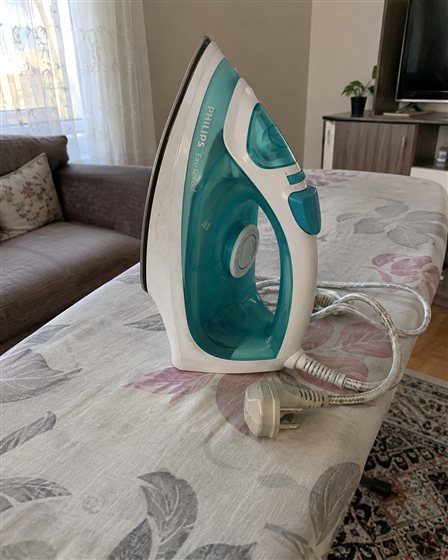
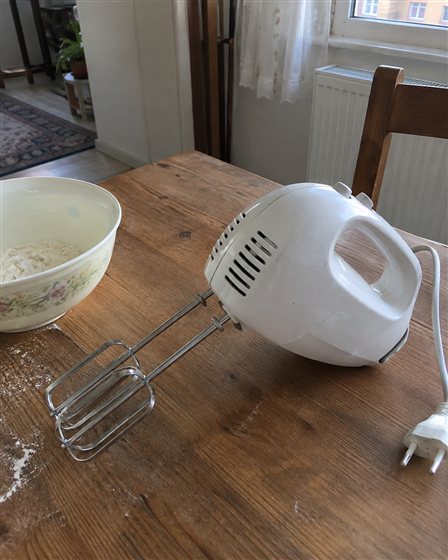
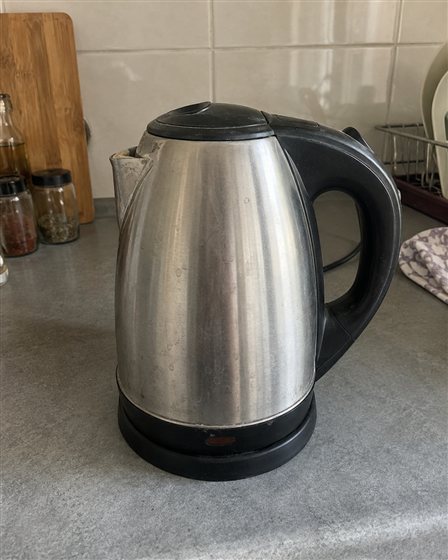
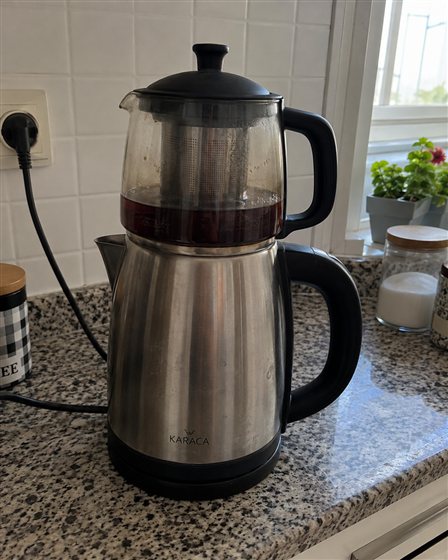
Photograph your items individually or together. Ederi assesses each item in the photo to start preparing your drafts.

Ederi helps identify your secondhand items, asks for missing details and suggests a price range backed by sources. It prepares your listing for Sahibinden and letgo.
Take photos on your phone, then continue preparing on a bigger screen. Your items, prices and listing drafts share one workspace.
Items needing information, awaiting review and ready to transfer, all in one place.
Review the price, check the draft and track its transfer to the marketplace.
Ready to sell? Start with the prep. Ederi helps you get there.
Photograph your items individually or together. Ederi assesses each item in the photo to start preparing your drafts.
Ederi AI helps identify your items and research similar listings. Review item details and asking prices alongside their sources.
Each identified item becomes a separate listing draft with a title, description, photos and a suggested price.
Adjust the details and prices in your drafts. Create your listings on supported marketplaces using the Chrome extension or by copying and pasting on mobile.
Add photos, explore prices with sources and prepare your listing.
The steps you need for your secondhand items, all in one place.
Ederi helps identify your items from photos and asks for missing details. Get a head start on your product information.
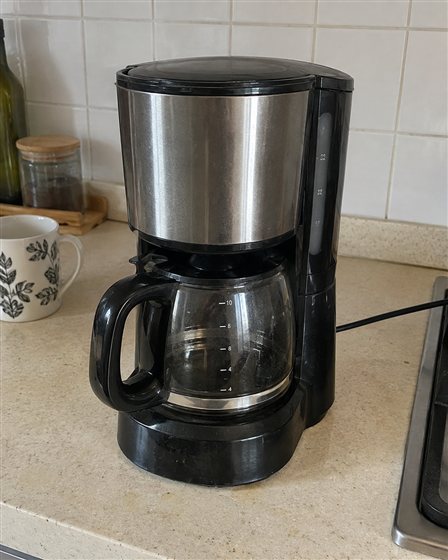
Review a price range from similar listings, with links to the sources. Set your asking price with more context.
Asking prices, not a guarantee of sale.
Bring your title, description and photos together. Prepare a draft for Sahibinden and letgo, with the final decision in your hands.
Example Ederi screens. You stay in control at every step.
Explore Ederi’s upcoming pilot.
Sign-ups are not open yet. This page does not collect email addresses.
 Ready for its next chapter.● ● ●Your photo
From your photo to your listing.
Ederi is with you at every step.
From the first photo to a prepared listing.
What you want to know about Ederi.
No. Ederi prepares a draft and helps you transfer it. Review the details, copy the text and add the photos to your marketplace account. You complete the final checks and publish the listing yourself.
It is based on comparable listings for the same model and variant, from sources available for this use. Check the sources and listing dates alongside the range. These are asking prices, not completed sale prices; condition and missing details can affect the comparison.
Leave the model unconfirmed and review the draft. Add a close-up photo of the label or enter the model yourself. Check all technical details before publishing.
The pilot is planned for small home appliances with identifiable model labels, such as vacuums, coffee machines and kitchen appliances. Other categories will be considered later. Cars and property are outside the initial scope.
This page presents example screens and does not accept photo uploads or email sign-ups. Before pilot registration opens, we will explain how data is processed, retained and deleted.